
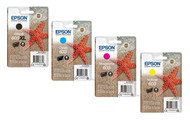
Epson 603 vs 603XL: What's the Difference?
Published by Go Inks on 16th Oct 2026
If you're looking for replacement ink for your Epson printer, you may have come across Epson 603 and Epson 603XL cartridges. They belong to the same ink family, but there is one important difference: 603XL cartridges have a higher ink capacity and can print more pages before needing replacement.
So, is Epson 603XL worth the extra cost, or will standard Epson 603 ink be enough for your needs?
In this guide, we'll explain the difference between Epson 603 and 603XL, compare their typical page yields, explain which option may offer better value and help you check which cartridges your printer uses.
Epson 603 vs 603XL: What's the Main Difference?
The main difference is cartridge capacity.
-
Epson 603: Standard-capacity ink cartridges, suitable for people who print relatively small amounts or prefer a lower initial purchase cost.
-
Epson 603XL: High-capacity cartridges designed to print more pages before they need replacing. They can be a useful choice if you print regularly.
Both are part of Epson's Starfish ink family. However, you should always check your exact printer model and the cartridge compatibility information before ordering.
Epson 603 vs 603XL: Quick Comparison
| Feature | Epson 603 | Epson 603XL |
|---|---|---|
| Cartridge type | Standard capacity | High capacity |
| Ink capacity | Lower | Higher |
| Pages before replacement | Fewer | More |
| Initial purchase cost | Usually lower | Usually higher |
| Potential cost per page | Can be higher | Can be lower |
| Best suited to | Lighter printing | Regular or higher-volume printing |
The exact price and value depend on the cartridge or multipack you choose. Compare the price with the expected page yield rather than looking at the purchase price alone.
How Many Pages Do Epson 603 and 603XL Print?
Page yield is one of the biggest differences between the two options.
Epson's published figures for its standard four-colour 603 multipack are approximately 150 pages in black and 130 pages in colour. Its 603XL products list higher yields, including approximately 500 pages in black and up to 350 pages in colour for the standard XL multipack listing.
These figures are manufacturer estimates, not a guarantee of how many pages every user will print. Actual results depend on what you print, how often you print and how much ink your documents or images use.
For example, printing mostly short text documents will use ink differently from printing photographs or pages containing large areas of colour.
The important point is that 603XL cartridges are designed to last longer between replacements.
Is Epson 603XL Cheaper Per Page?
It can be, particularly if you print regularly.
A standard cartridge may cost less when you buy it, but it generally needs replacing sooner. An XL cartridge costs more upfront, yet the additional capacity may make it better value over time.
To compare the two fairly, consider:
-
The price of the standard cartridge or multipack.
-
The price of the equivalent XL cartridge or multipack.
-
The expected page yield.
-
How frequently you print.
-
Whether you are buying individual colours or a complete set.
For example, if you print documents every day for work, school or running a small business, buying a higher-capacity cartridge may mean fewer replacements. If you only print occasionally, you may prefer to spend less on the initial purchase.
Tip: Compare equivalent products when checking prices. Make sure you're comparing the same colours and number of cartridges, and use the yield stated for the exact product.
Can I Use Epson 603XL Instead of Epson 603?
In many supported Epson printer models, both standard 603 and 603XL cartridges are available options. However, you should not assume that every Epson printer accepts them.
Before buying, check the exact model number printed on your printer and confirm that the required cartridge family is listed as compatible.
Epson 603 and 603XL cartridges are used in selected Epson Expression Home and WorkForce models. The compatible models include examples from the XP-2100, XP-3100 and XP-4100 families, as well as selected WF-2800 series printers.
This is not a complete compatibility list. Printer models can have different cartridge requirements, so always check the compatibility details for your particular printer.
If you're unsure, look up your printer model in its manual or on the manufacturer's support website before ordering.
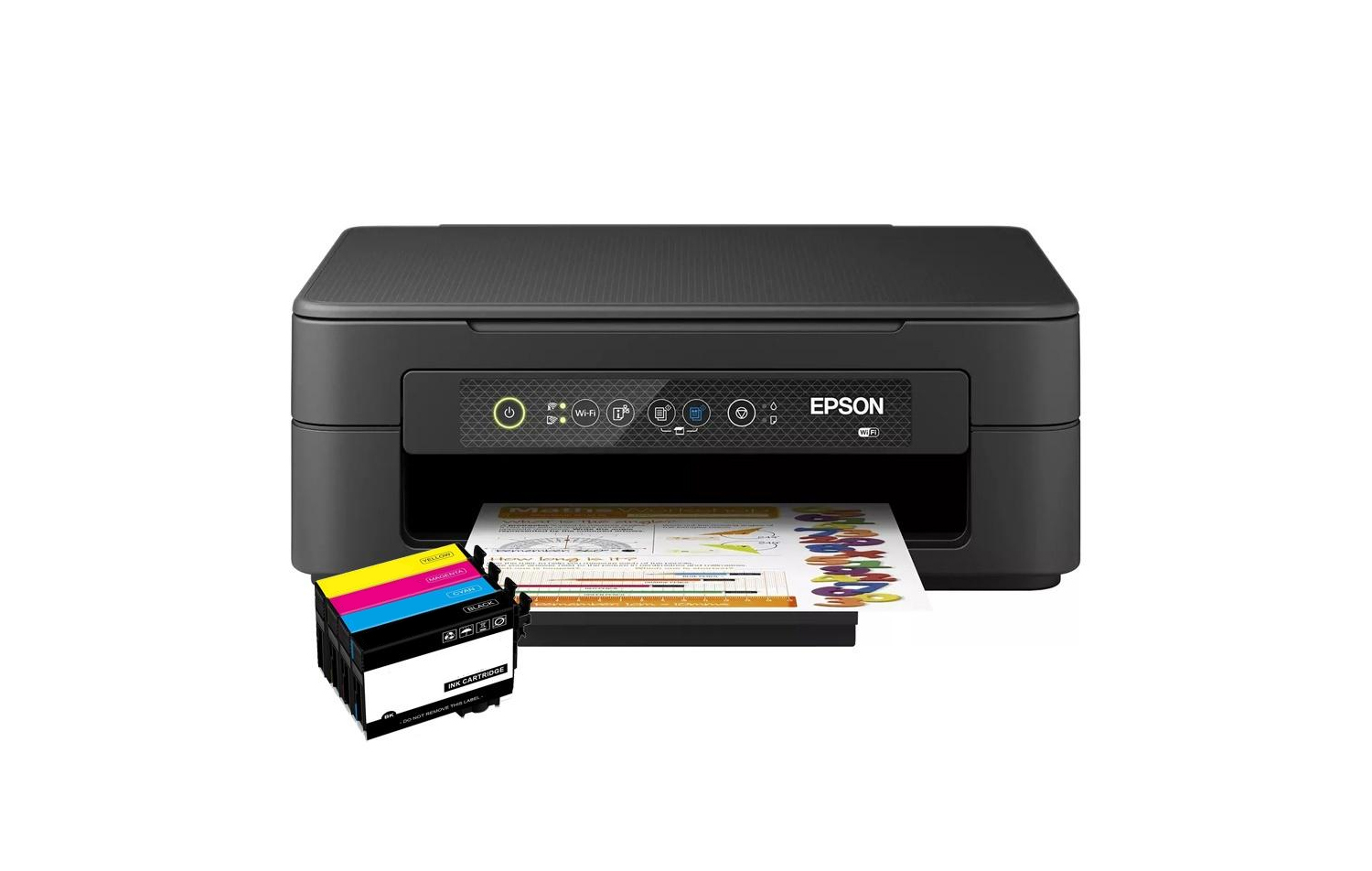
Do Epson 603 and 603XL Use the Same Colours?
The 603 Starfish range uses four colours:
-
Black
-
Cyan
-
Magenta
-
Yellow
These colours work together to produce text, graphics and colour prints. Individual cartridges and multipacks may be available, depending on the product and retailer.
You don't necessarily need to replace every cartridge at the same time. If only one colour is running low, check whether you can replace that individual cartridge. If several colours are nearly empty, a multipack may be more convenient or offer better value.
Always check the contents of a multipack before ordering, as the number of cartridges and the capacity can vary between products.
Should I Buy Epson 603 or 603XL?
The right option depends on how much you print and how you prefer to manage your printing costs.
Choose standard Epson 603 if:
-
You print relatively infrequently.
-
You prefer a lower initial purchase cost.
-
You don't need the extra capacity of an XL cartridge.
-
The standard cartridge offers better value for your particular printing habits.
Choose Epson 603XL if:
-
You print regularly at home or work.
-
You want to replace cartridges less often.
-
You print documents for a small business, school or home office.
-
The higher-capacity option offers a better cost per page.
There is no single best choice for everyone. The most suitable cartridge is one that is compatible with your printer and offers the right balance between purchase price and capacity.
Are Compatible Epson 603XL Cartridges Available?
Yes, compatible cartridges are available for supported printers.
Compatible cartridges are made by a third-party manufacturer rather than Epson. They are designed to replace the corresponding cartridge reference in the printers listed as compatible.
If you're considering compatible ink, check the exact cartridge number, your printer model and the product's compatibility information before ordering.
At Go Inks, you can browse our compatible Epson 603XL ink cartridges to see the available options. Check the individual product details to confirm the colours, cartridge capacity and printer compatibility.
How to Check Which Epson Ink Cartridge You Need
If you're not sure whether your printer uses Epson 603 or 603XL, follow these steps:
-
Find your printer model. Look for the full model number on the front, top, back or underside of the printer.
-
Check your current cartridge. If you still have the original or previous cartridge, look for its reference number.
-
Confirm compatibility. Check the printer manual or a reliable compatibility list to confirm which cartridge family your printer accepts.
-
Compare standard and XL options. If both are supported, compare their prices and expected page yields.
-
Check the product before ordering. Make sure the cartridge number, capacity, colour and compatible printer models match your needs.
Taking a moment to check these details can help you avoid ordering the wrong ink.
Epson 603 vs 603XL: Frequently Asked Questions
What is the difference between Epson 603 and 603XL?
Epson 603 is the standard-capacity cartridge, while 603XL is the higher-capacity version. The XL cartridge is designed to print more pages before needing replacement, although it usually costs more upfront.
Does Epson 603XL last longer than Epson 603?
Yes. Epson 603XL cartridges have a higher ink capacity and are designed to print more pages than their standard 603 equivalents. The actual number of pages you get depends on what you print and how you use your printer.
Is Epson 603XL worth buying?
It can be worth buying if you print regularly and the XL cartridge offers a lower cost per page. If you print only occasionally or want to keep the initial purchase cost down, standard 603 cartridges may suit you better.
Can I put Epson 603XL cartridges in a printer that uses Epson 603?
Some printers support both standard 603 and 603XL cartridges, but you should confirm this for your exact model. Always check the printer's cartridge requirements and the product's compatibility list before buying.
Do Epson 603 and 603XL cartridges contain the same colours?
Both ranges use black, cyan, magenta and yellow cartridges. You can find individual colours and multipacks, depending on the product available. Check the product description to confirm exactly what is included.
Can I buy compatible Epson 603XL cartridges?
Compatible Epson 603XL cartridges are available for supported printer models. Before ordering, check the exact cartridge reference and make sure your printer is listed as compatible.
Find Epson 603XL Ink Cartridges at Go Inks
Choosing between Epson 603 and 603XL comes down to cartridge capacity, price and how often you print. Standard 603 cartridges may suit lighter printing, while 603XL cartridges can be a practical option for people who want more pages between replacements.
If you've confirmed that your printer uses the 603XL range, browse the Epson 603XL ink cartridges at Go Inks. Check the compatibility details before ordering so you can choose the right ink for your printe